 GitBoba
Getting Started
Connect GitBoba to your Gitea server in a few steps. All credentials stay on your device — nothing is sent to any third-party server.
Install GitBoba
Download the app from the App Store. GitBoba is free.
Generate an API token
On your Gitea server, go to Settings → Applications → Generate Token. Grant the scopes you need (typically read:repository at minimum).
Add your server
Open GitBoba and tap Add Account. Enter your server URL (e.g. https://gitea.example.com) and paste the API token. Subpath installations like https://git.example.com/gitea are supported.
Start browsing
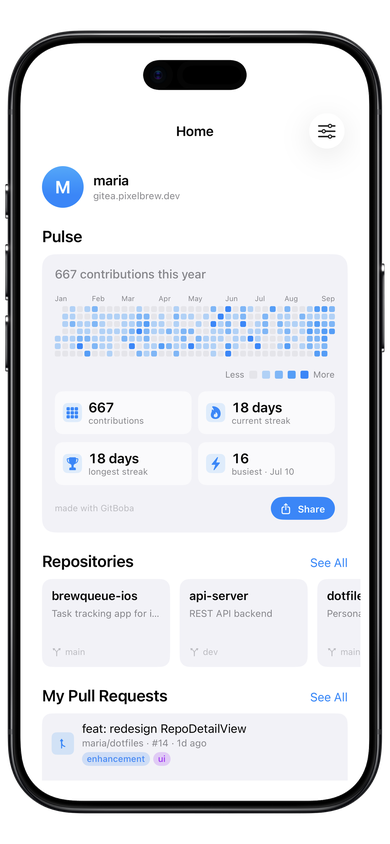
Your repos, notifications, and activity appear on the Home tab. Use Explore to browse organizations, or search for repos across your instance.
GitBoba collects no data. Read the full Privacy Policy for details on credential storage and network traffic.